
Search for almost any local service and the first thing you see is a map with a few businesses listed under it. Those listings come from Google Business Profile, and for many customers they are the whole decision. This checklist walks through what matters most.
1. Claim and verify your Google Business Profile
Start at Google Business Profile and search for your business. Verification proves you own it, and an unverified profile is limited in what it can show. If someone set it up years ago, request access to that listing instead of creating a second one. Duplicates confuse Google and your customers.
2. Pick the right primary category
Your primary category tells Google what you are. Choose the most specific one that fits, like "Roofing contractor" rather than "Contractor." Add secondary categories only for services you truly offer.
3. Match your name, address, and phone everywhere
Use your real business name with no extra keywords added to it, since Google can suspend profiles for that. Your name, address, and phone number should match your website and every directory exactly. Work at customers' homes or job sites? Set a service area and hide your street address.
4. Fill in services, hours, and a description
List each service you offer, keep your hours current (holidays too), and write a description that says plainly what you do and where. You get 750 characters, so spend them on facts rather than slogans.
5. Add real photos, and keep adding them
Photos of your team, your work, your vehicles, and your storefront help customers trust you before they ever call. Skip stock photos. Adding a few new ones each month also shows the business is active.
6. Ask for reviews, and reply to every one
Reviews are one of the strongest signals on a Google Business Profile. Make asking part of your routine by sending a short review link after each finished job. Reply to every review, good or bad, briefly and politely. Never pay for reviews or offer rewards in exchange for them, which breaks Google's rules.
7. Post updates
Posts let you share offers, news, and seasonal reminders right on your profile. They can be short. A quick post every week or two keeps your listing looking current.
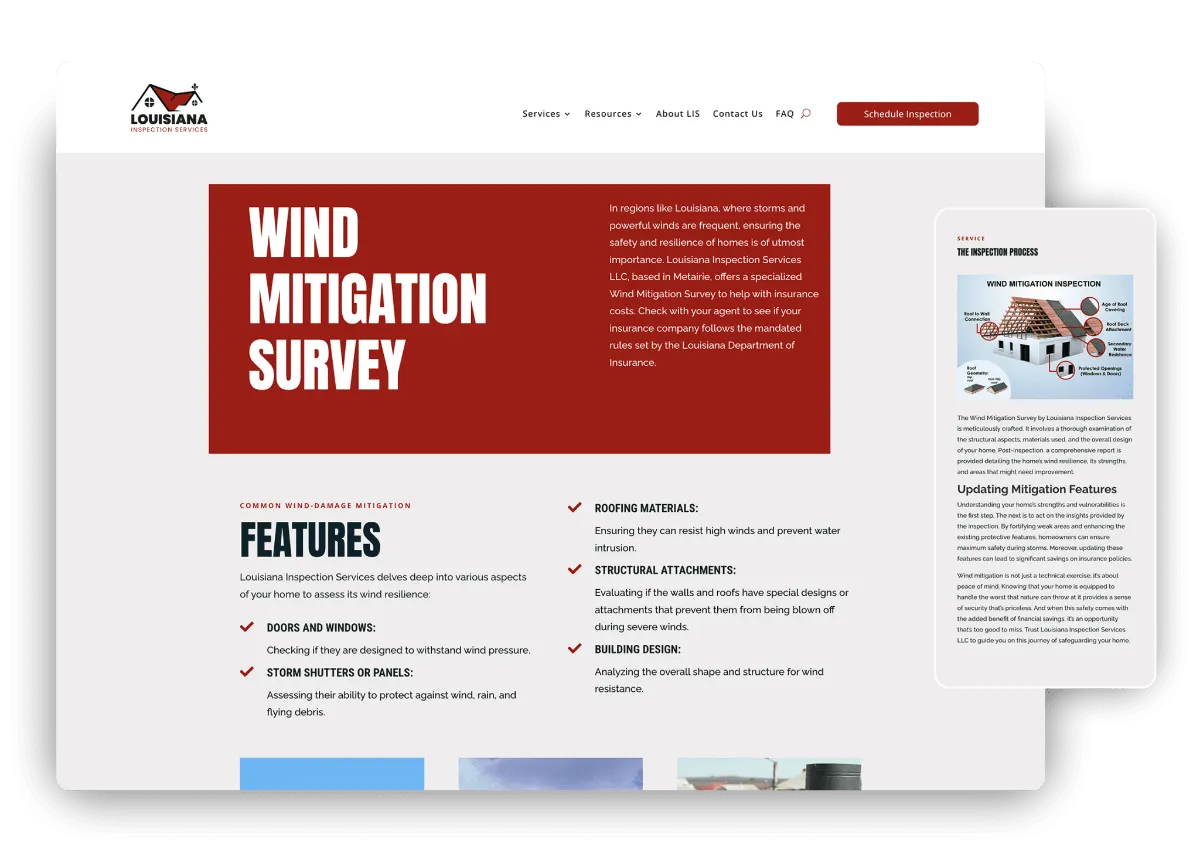
8. Link your Google Business Profile to a website that finishes the job
Your profile earns the click, and your website closes the deal. Link to the page that matches what people searched for, make your phone number easy to tap, and make sure the site works well on a phone. A strong profile pointing to a weak website wastes the attention it earned.
That last step is where we come in. Every AI Web site is built so a visit from your Google Business Profile turns into a call or a message. Want help with the profile itself? Studio490's Local SEO team manages Google Business Profiles too.